This section provides samples for integrating Glance into your agent workspace. The sample package provides an agent-side interface that enables agents to join Glance Cobrowse and Mobile Cobrowse sessions, as well as use Mobile Camera Share functionality.
Getting Started
Before using the Glance agent-side experience, ensure the following prerequisites have been completed:
- The organization has been provisioned a Glance Group.
- Users have been provisioned with valid Partner User IDs.
- The website is tagged with the Glance Cobrowse script, and includes a button or link to start a Cobrowse session.
- SAML authentication with Glance is enabled through an Identity Provider.
- Onboarding with Glance Customer Success has been completed. As part of this process, Glance provides an organization-specific URL and configures an allow-list for the agent desktop. If you need assistance, Contact Glance.
Agent Interface
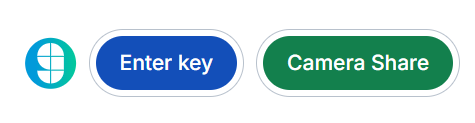
The initial interface offers agents two options for connecting with a visitor: they can click the Enter Key button to start a Cobrowse session using a session key provided by the visitor, or click the Camera Share button to send an SMS link that allows the visitor to share their mobile phone camera.
Join with Key
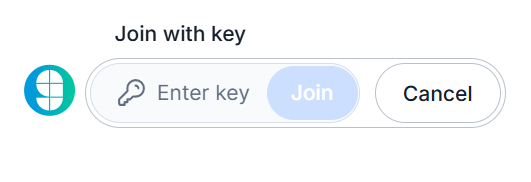
Input the code received from the visitor and click the Join button.
Camera Share
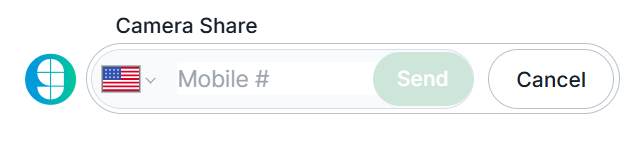
Input the visitor's mobile phone number and click the Send button. To change the country code, click the flag icon and select the appropriate region from the list.
Presence
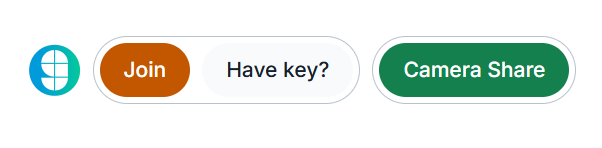
When Presence is enabled, you can instantly join the visitor's session by clicking the orange Join button.