Prerequisites
- All high-level prerequisites as listed in the Getting Started section.
- Access to an Amazon Connect Instance.
Add the Glance Application
To incorporate the Glance Application in Amazon Connect:
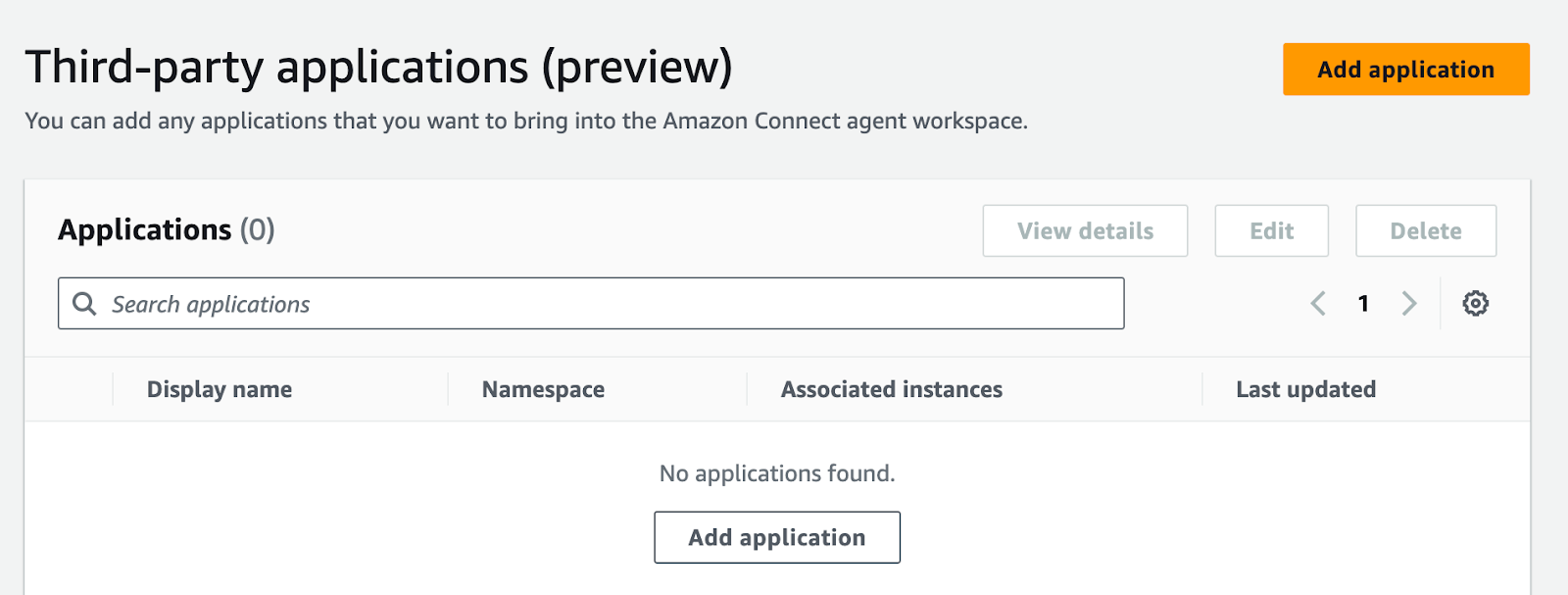
Navigate to the Third-Party Applications section in Amazon Connect, and click Add Application.
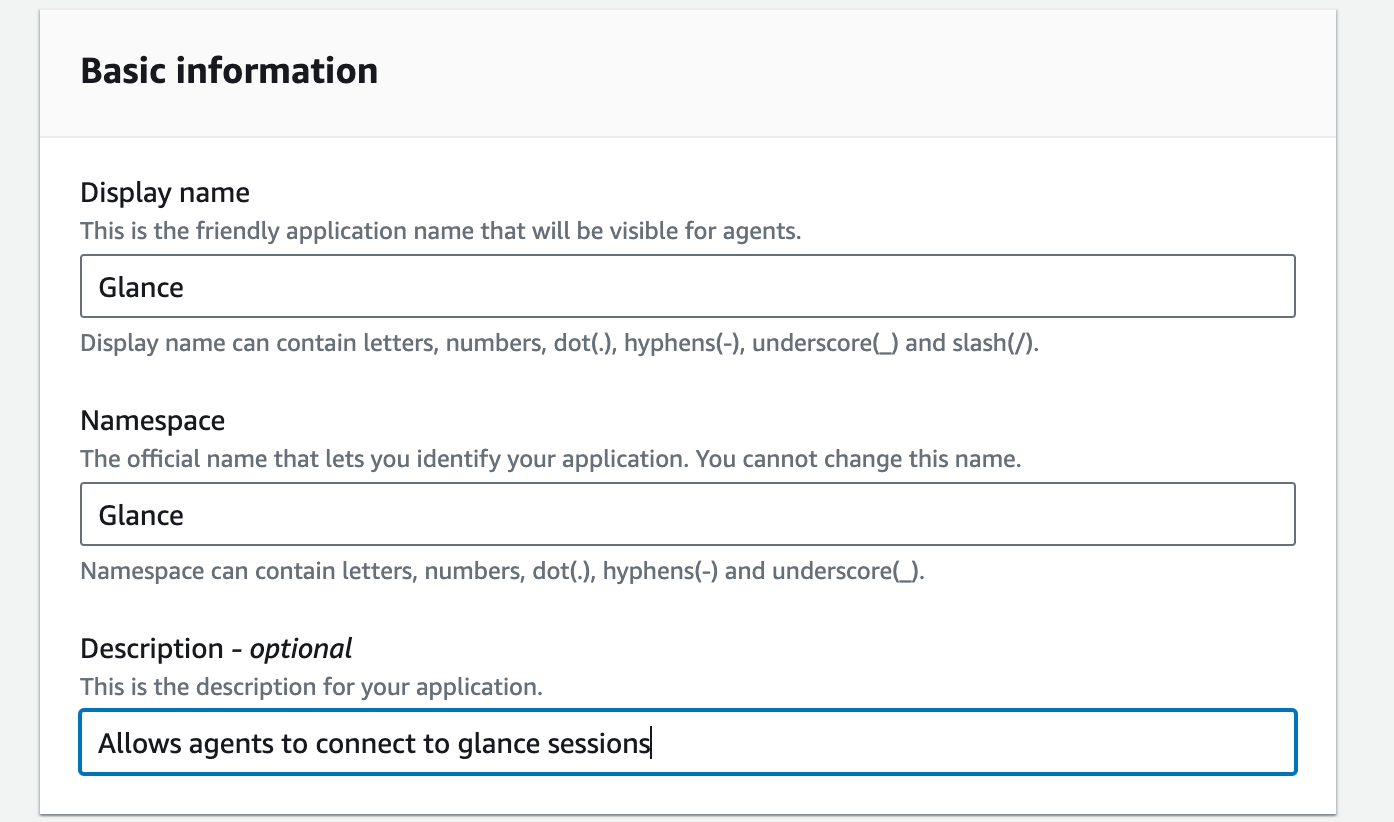
Under Basic Information, input the following:
- For Display name, enter "Glance".
- For Namespace, enter "Glance".
- Enter an optional description for the Glance application.
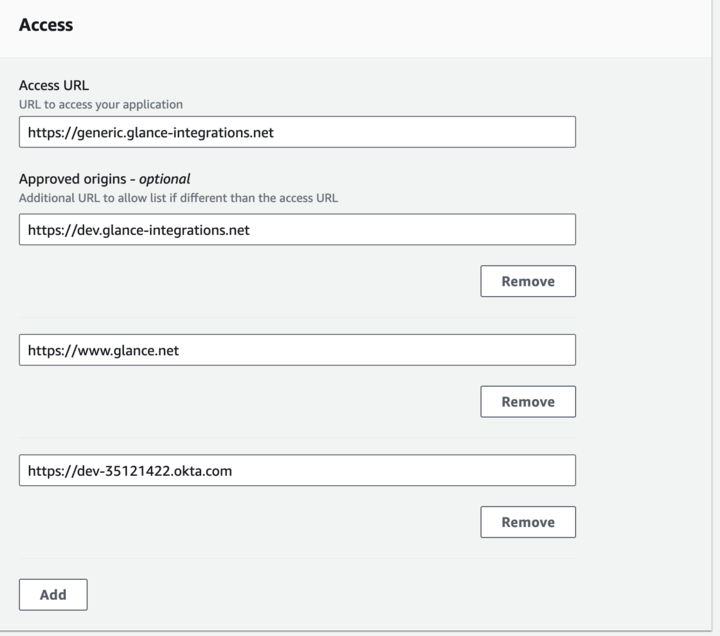
Under the Access section, enter the following:
- For Access URL, enter the URL provided by Glance.
- For Approved Origins, enter
https://www.glance.net, and the URL for your IDP environment, e.g.https://<your okta login>.okta.com
Joining Sessions from Amazon Connect
Navigate to the Agent Workspace application.
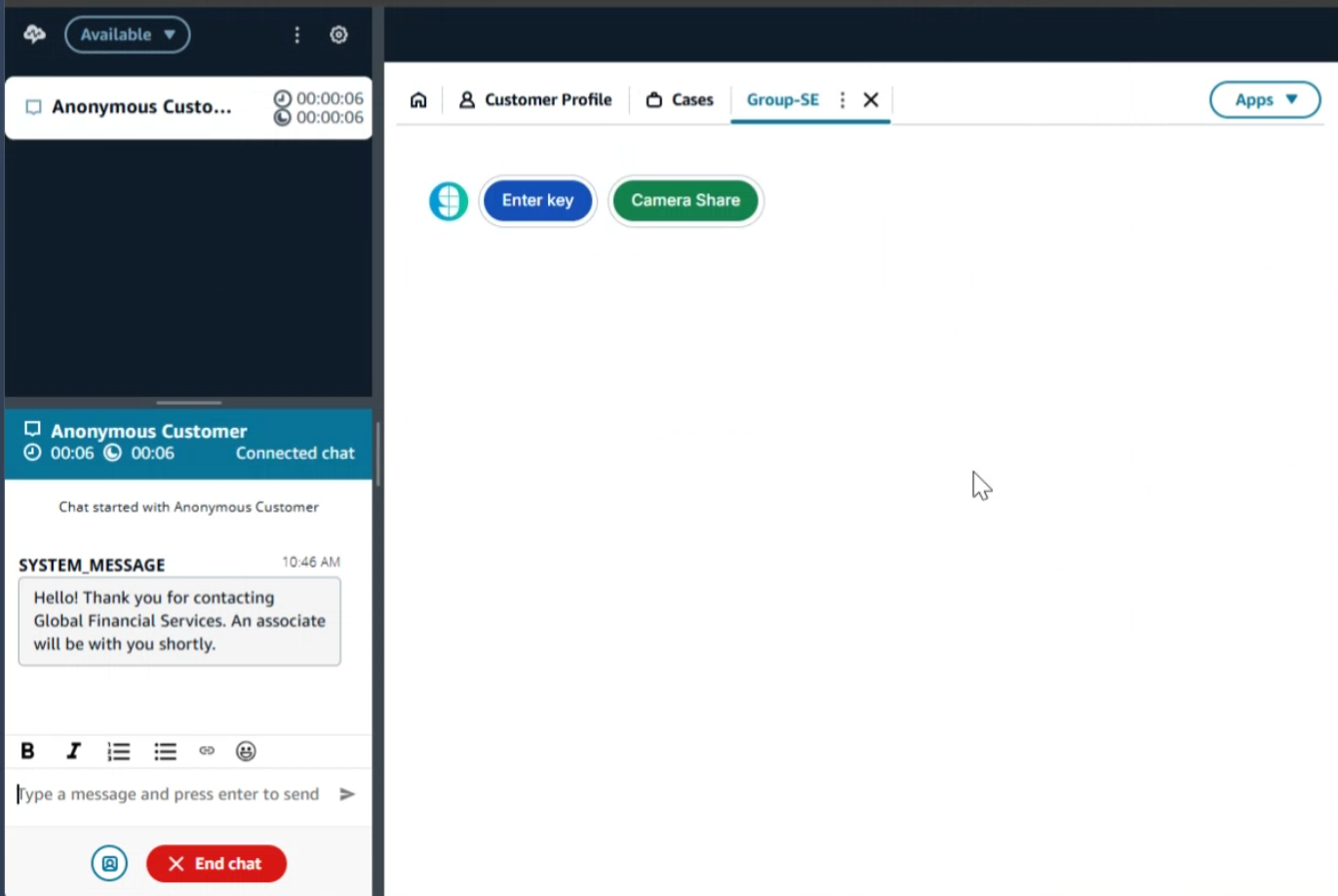
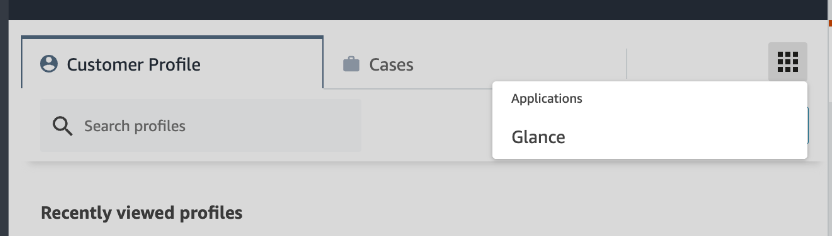
From the Agent Workspace, click the Apps menu and select the Glance application.
You will be prompted to sign in to your Identity Provider. Log in with your credentials.
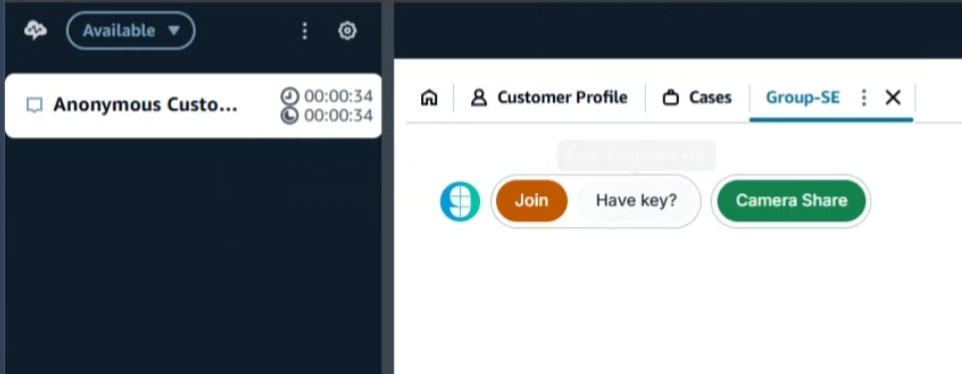
The Glance application is now available and you can join Glance Sessions.