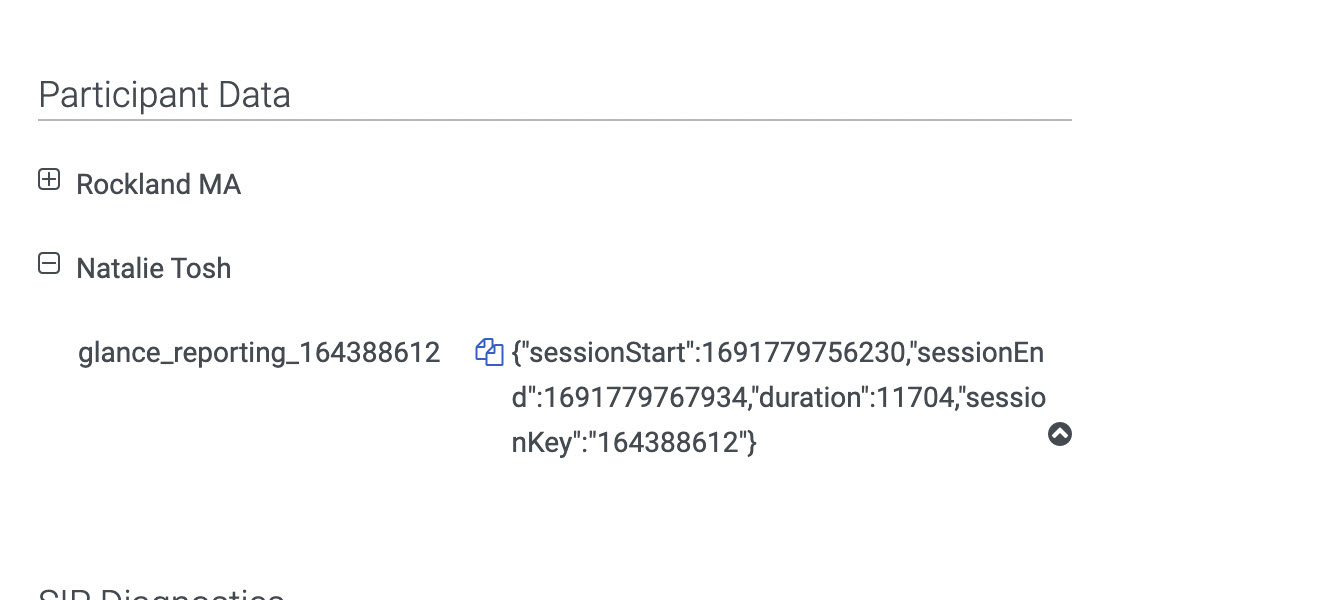
Once sessions are complete, Glance offers the ability to report on session metadata, including:
- Session Key
- Session Start Time
- Session End Time
- Duration
To view this data, navigate to Performance > Workspace > Select an Interaction, and scroll to the Details section to see the attached data. Per Genesys' policy, Time to live (TTL) is 60 days for participant data. After 60 days, the data can only be accessed when it is exported.
An example of the attached data:
Info
Time stamps for the Start, End, and Duration of the session are stored in Epoch format and may need to be converted to your configured date/time format for use.