
Your Glance account contains values that are required for integrations and setting up environments.
Glance Group ID
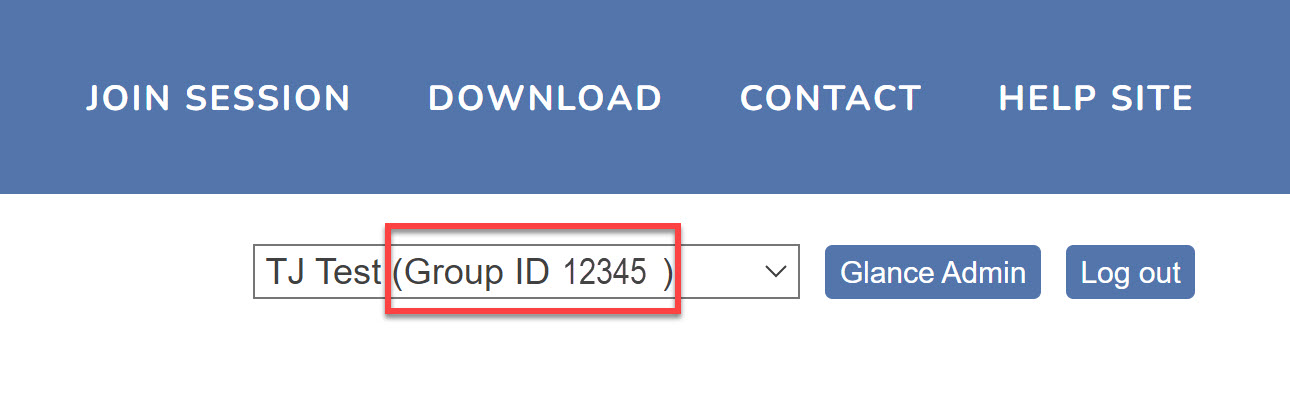
A Glance group ID is a unique ID, a four-, five-, or six-digit number assigned to your company by Glance. You may have separate Group IDs for your development, staging, and production environments.
To locate your Glance group ID:
- Navigate to glance.net and log in to your Glance account.
- Your group ID is listed in the top-right corner of every page.
API Keys
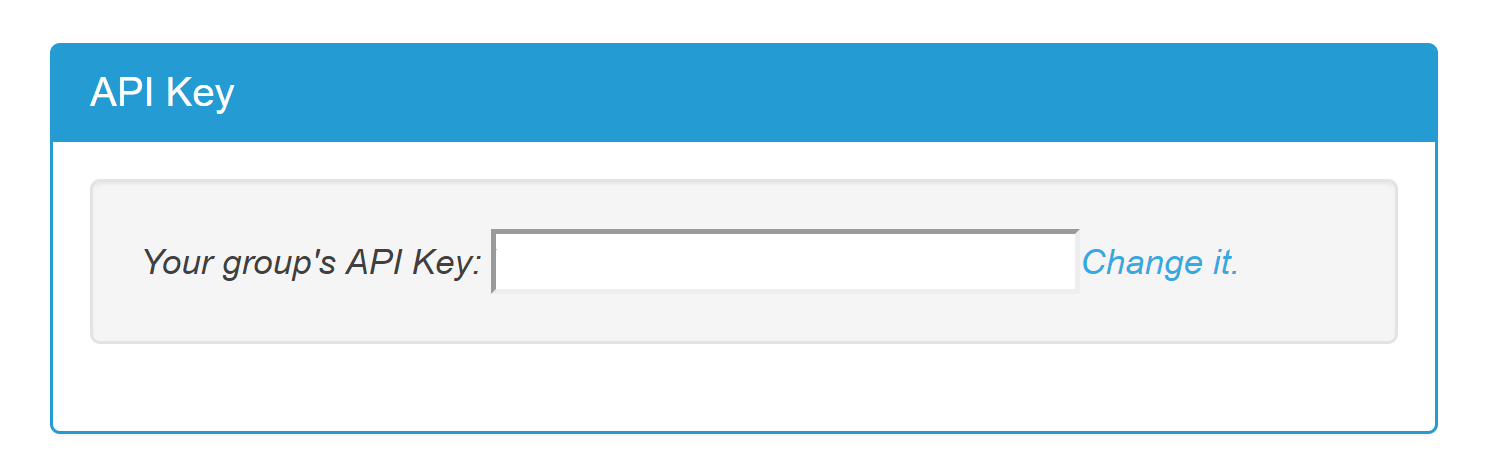
Each Glance customer account has an API key. It is used to generate LoginKeys to grant access to Glance.
- Log in to Glance by following these instructions.
- Go to the SETTINGS tab, scroll to the API Key panel at the bottom.
- Copy your API key.
Changing your API Key
You may change your API key. If you do, Glance rejects future LoginKeys generated with the old API Key.
- Click the Change it link.
- Choose a new API key value, either by typing it or by pressing Generate Random Key. Choose something hard to guess.
- Click Save Changes.
- Be sure to place the new API key into your software that generates LoginKeys.