
To log in, follow these steps:
- Go to www.glance.cx.
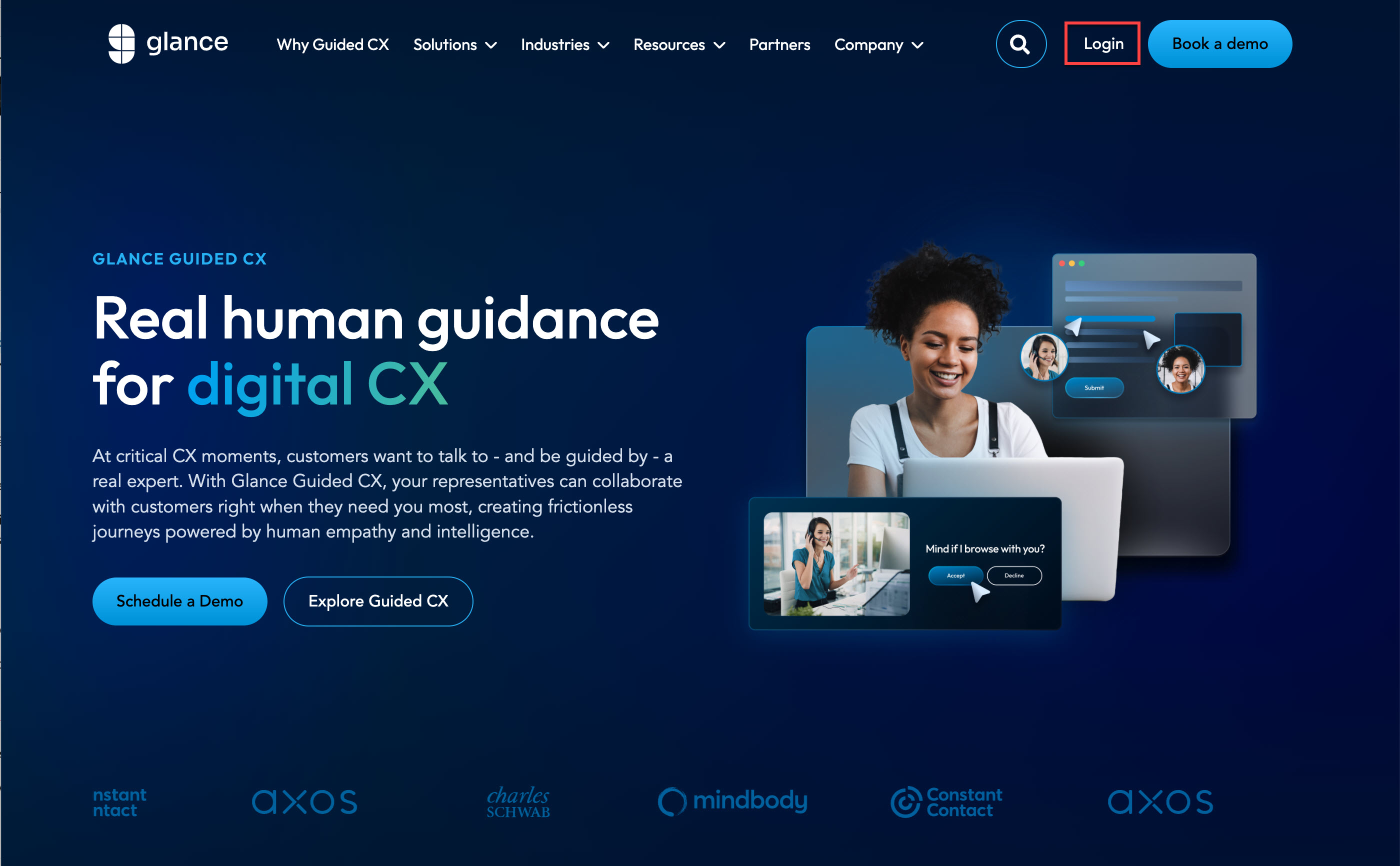
- Click Log In. Or use the following link: https://www.glance.net/Login
- Enter your admin Glance login credentials (Glance Address and Password).
Account Dashboard Overview
Once you are logged in to your account, you can access the following tabs:

- Summary: An overview of your profile, subscriptions and recent session activities for your Glance Address.
- Profile: View and edit your contact information and change your password.
- Activity: View your Glance session activities including:
- Group Activity Sessions
- Sessions by Subscriber Role
- Session by Subscriber
- Least Active Subscribers
- Audio: See your audio conferencing account information.
- Subscriptions: View your current subscriptions and shop for more capacity.
- Billing: View and update your billing information.
- Users: Add or delete users, view detailed reports of their usage, and view current subscriptions.
- Settings: Adjust privileges for users in your group.