
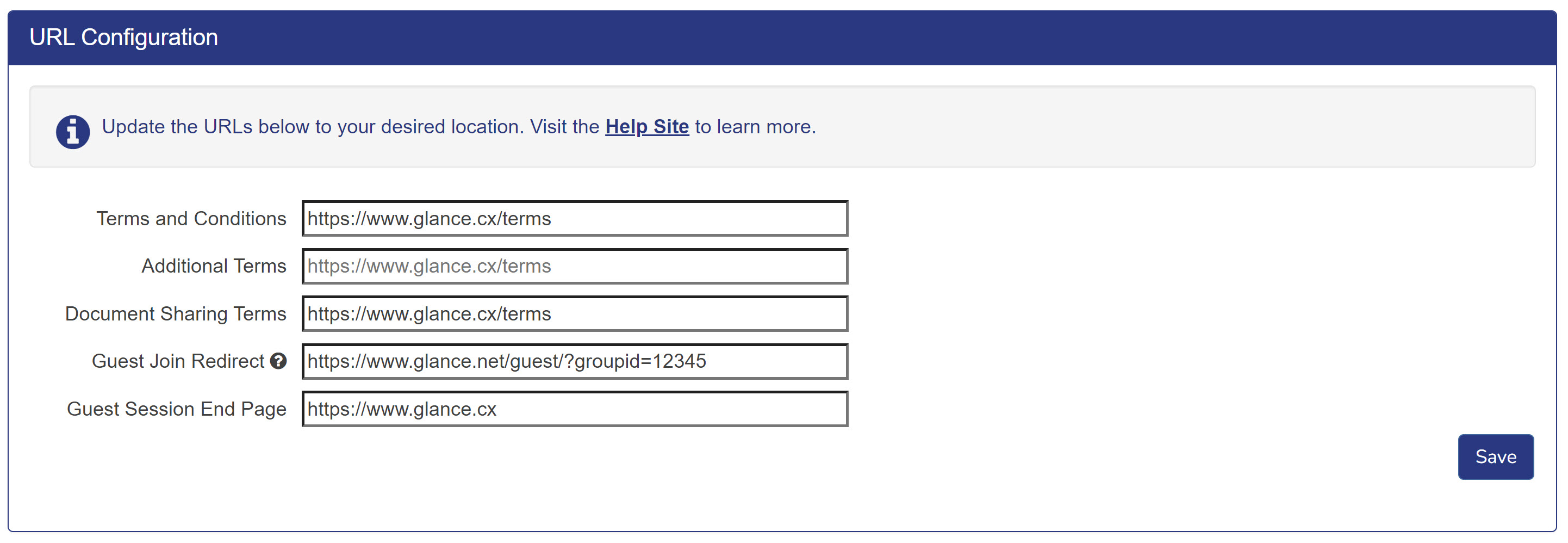
The URL Configuration section within Cobrowse Settings allows you to customize the URL links used during a Cobrowse session.
- Terms and Conditions: Provides customers with a terms and conditions agreement at the beginning of a Cobrowse session. This URL defaults to the Glance Terms and Conditions page.
- Additional Terms: An additional line for terms to show up below Terms and Conditions. If this field is not populated, nothing will display on the modal. If a URL is provided, text must be provided in the Customization Tool for this URL to be displayed.
- Document Sharing Terms: The Terms and Conditions displayed to the customer when an agent prompts a visitor to share a document. This URL defaults to the Glance Terms and Conditions page.
- Guest Join Redirect: Create a new URL for the Guest Join page to provide to the guest. The customer must create a page hosted on their own domain and then add a redirect to the Glance Guest Join page. This URL defaults to the Glance guest join page.
- Guest Session End Page: The page that guests are redirected to when a Cobrowse session ends. This URL defaults to Glance.cx.