
To log in, follow these steps:
- Go to www.glance.cx.

- Click Log In. Or use the following link: https://www.glance.net/login
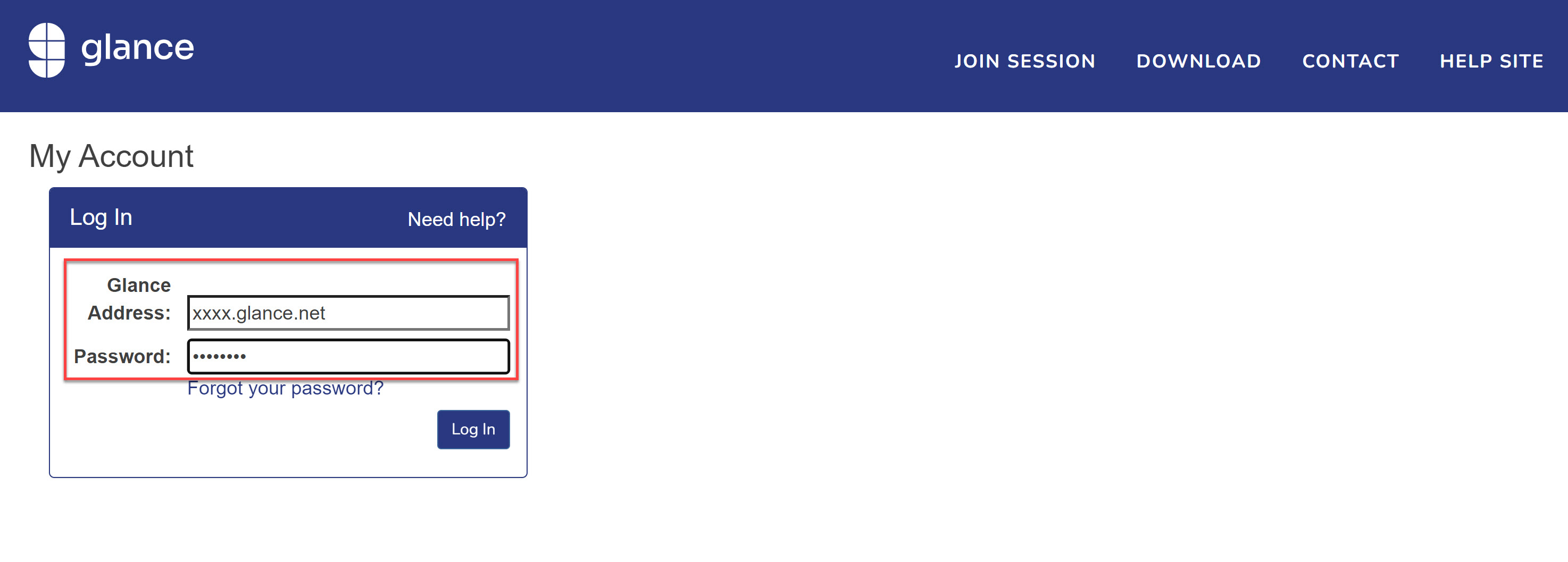
- Enter your administrative Glance login credentials (Glance Address and Password).
Info
Your Glance Address is not your email address. Tip
If you're having trouble logging in, navigate to this link to be logged out and clear your cookies, then try logging in again.